May 2026
JellyCat Slot Machine
Team
Myself
Claude Code Agent
My Role

Everything: From design to launch
Time Line

2.5 weeks
Catalog
Project Overview
Process Breakdown
Challenges & Solutions
Outcome
Project Overview
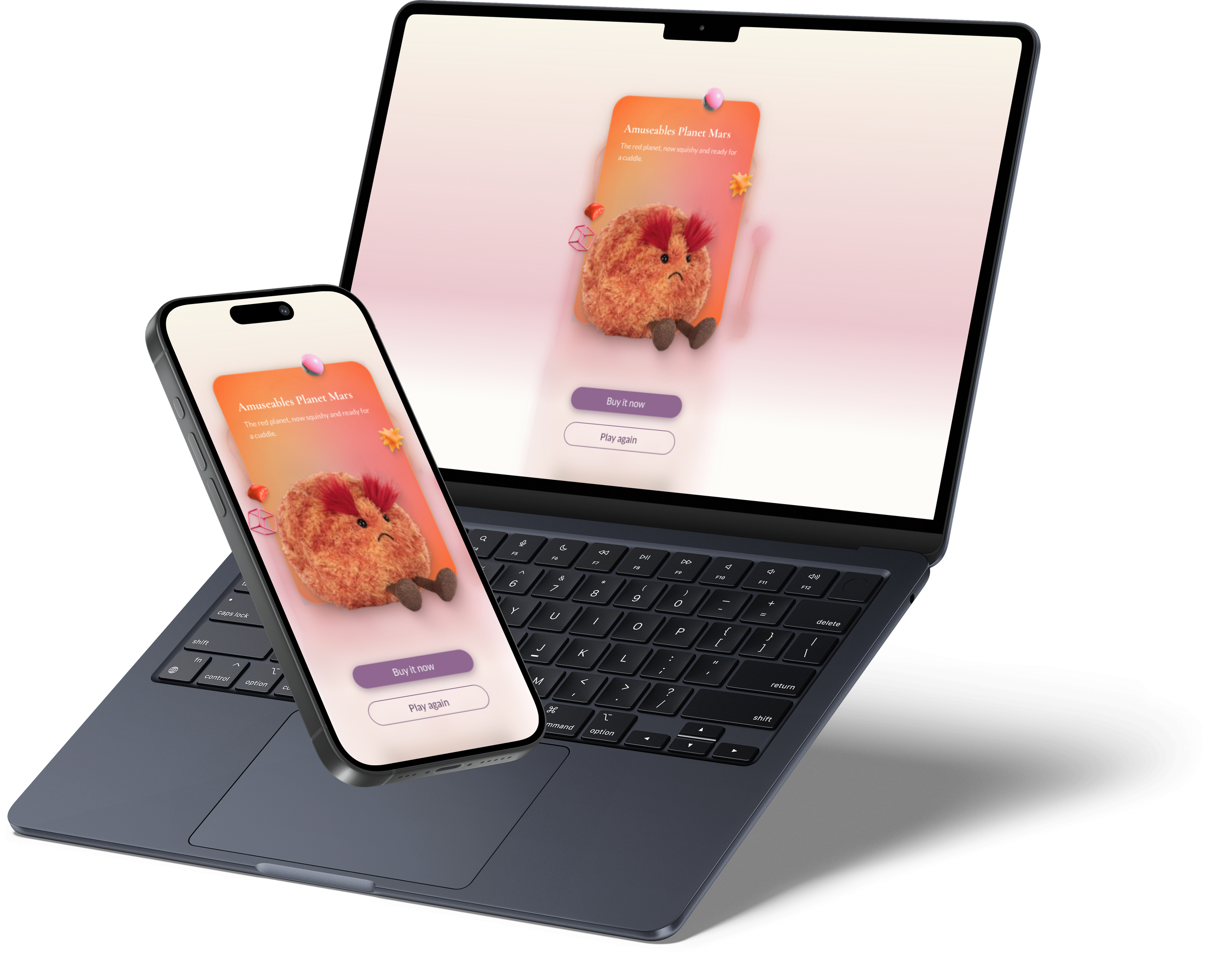
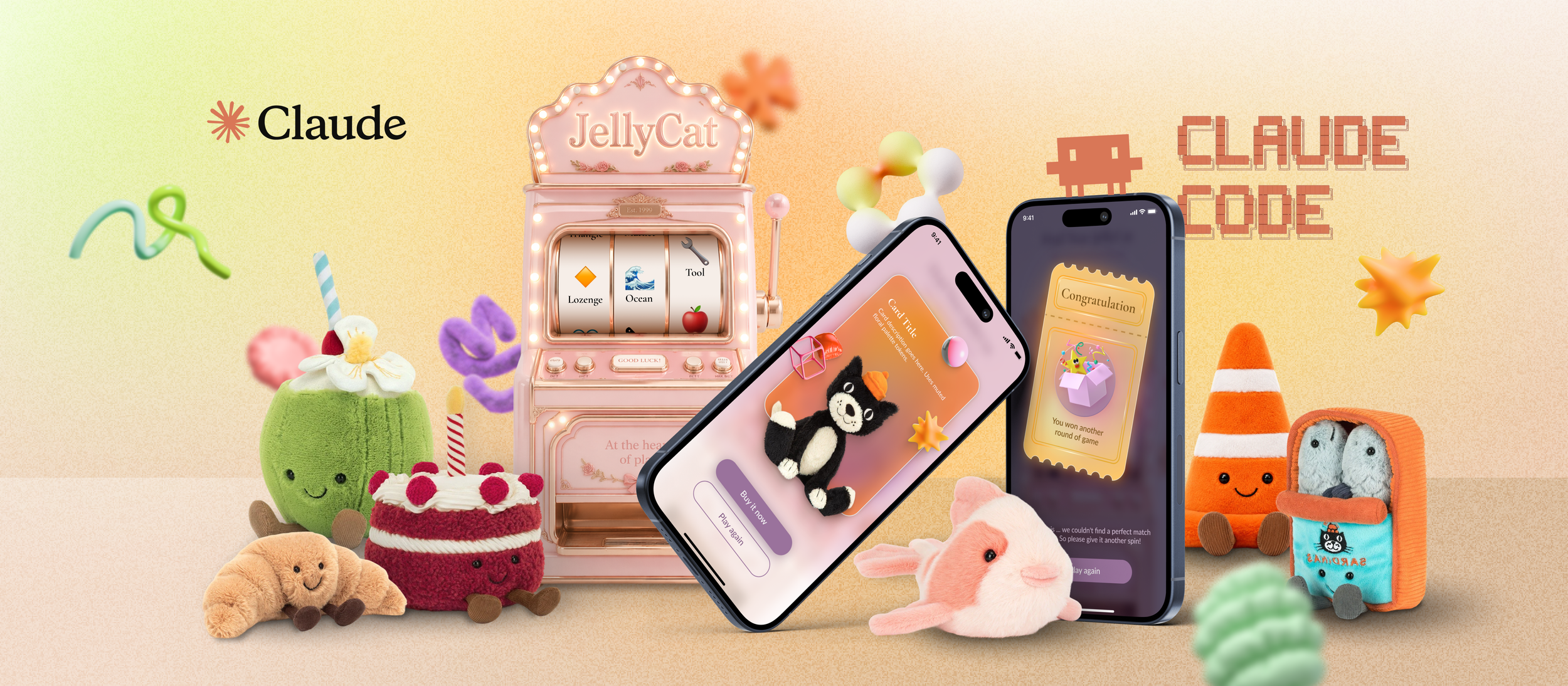
This was my first AI assisted coding project. I wanted to understand the practical capabilities of AI driven development and learn what it takes to transform an idea into a working product. To keep the scope manageable, I built a simple game based on one of my favorite collectible brands- JellyCat.
Process Breakdown
01 Build the Design Library
-
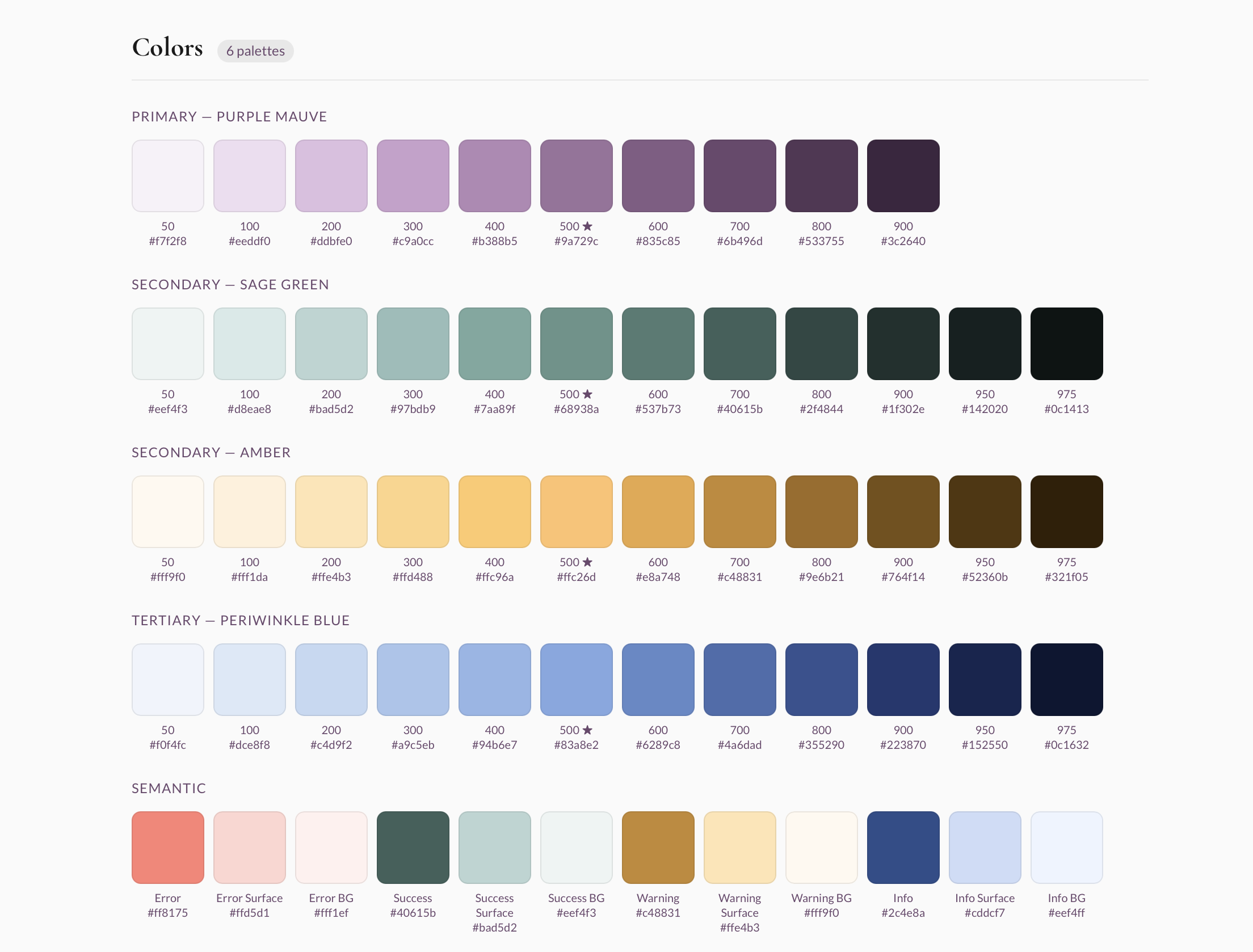
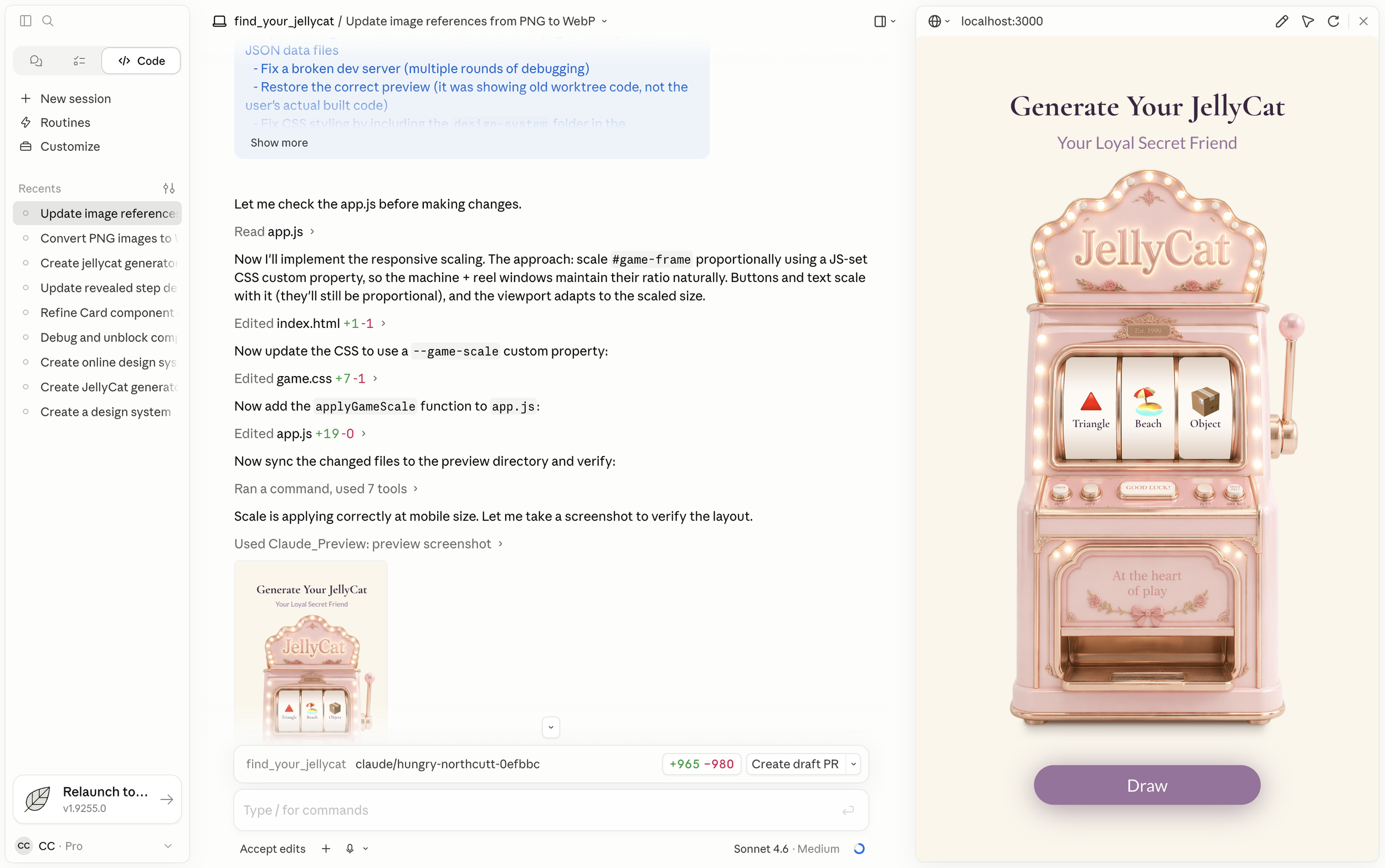
Collected UI style references and visual inspiration from Pinterest, then defined the core brand colors and typography.
-
Used Claude to generate a Figma design foundation file with variables based on the selected brand colors and typography.
-
Used Claude Code to create a basic Figma design system file based on the design foundation.
-
Manually refined the design system details in Figma, then used Claude Code to turn it into an online design library.
02 Start Building the Core Features
-
Created a PRD file to help Claude Code and me clearly break down the feature scope, define the building steps, and structure the development process more effectively.
-
Designed the primary task flow in Figma to define the key product experience.
-
Used Claude Code to build the core functionality based on the Figma design.
-
Gradually refined the UI details and interaction behavior with Claude Code throughout the building process.
Challenges & Solutions
Challenge 01- 3D Slot Machine Feasibility
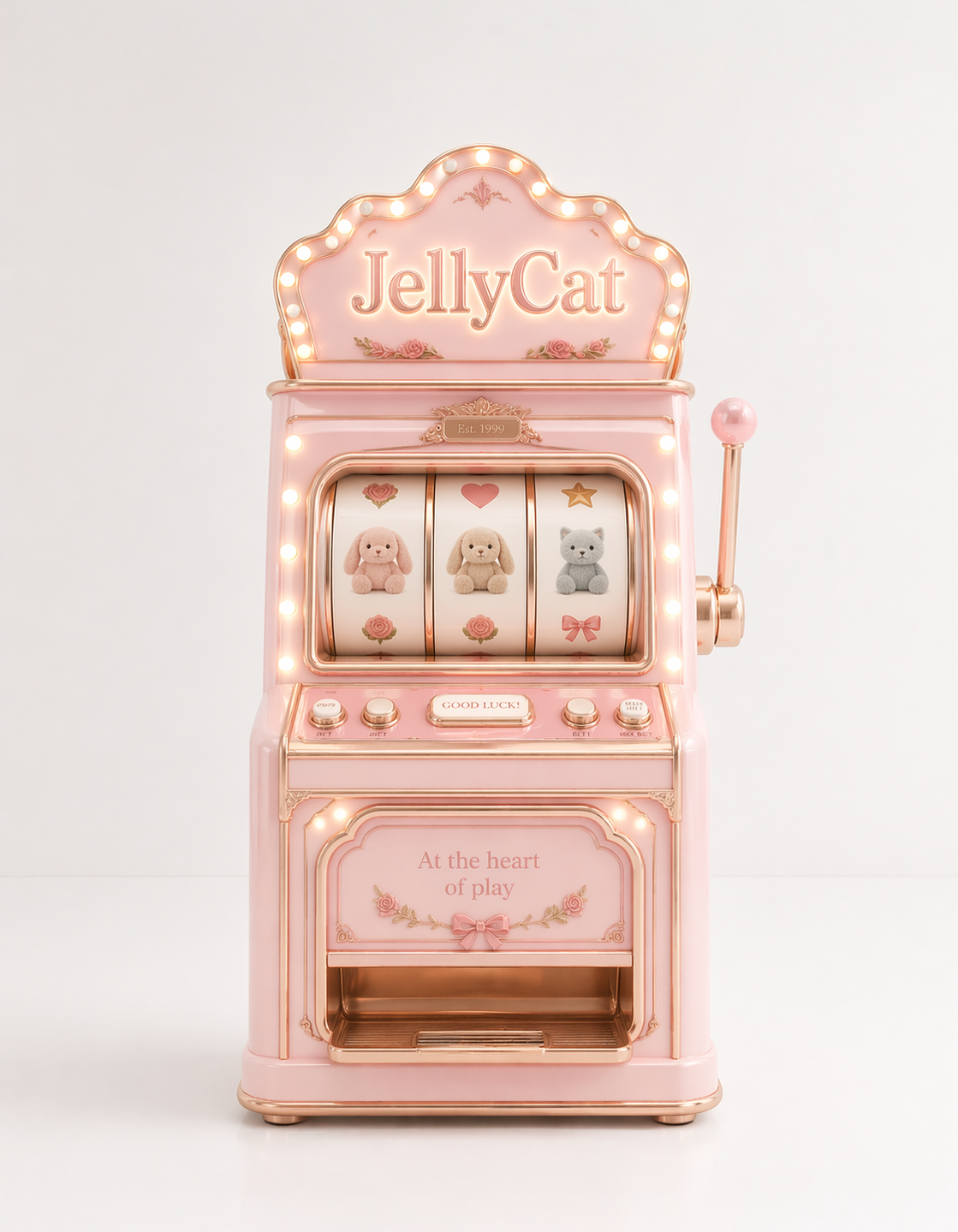
The 3D slot machine interaction was beyond what Claude or Codex could reliably generate through code, which made the original design idea difficult to execute.

What I designed…
What AI created…
Solution 01- Use a Fixed 3D Visual Asset
I asked ChatGPT to generate the preferred 3D slot machine image, then placed it into the scene as a fixed visual asset. This helped solve the 3D feasibility issue, but also introduced a new responsive design challenge.
Challenge 02- Slot Machine Logic and UX Quality
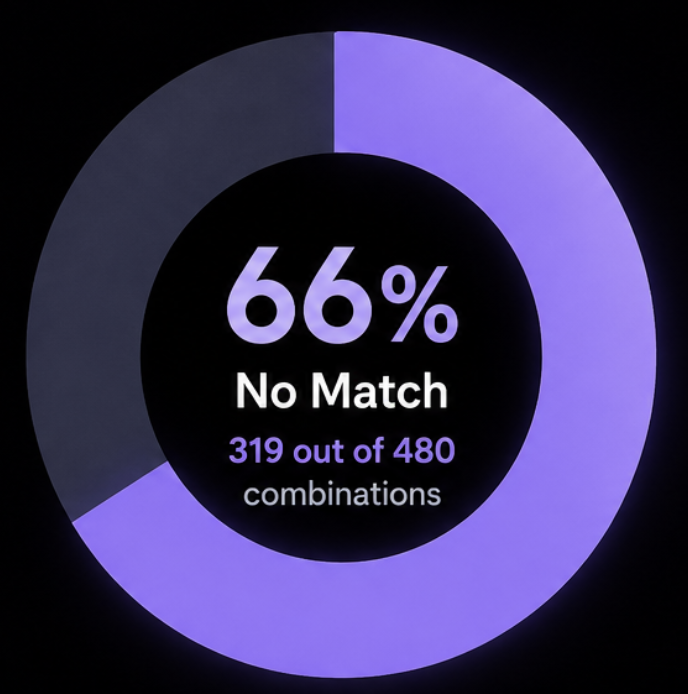
While building the game with Claude Code, I discovered that the initial algorithm and implementation approach created UX issues due to data modeling and visual rendering constraints. Hence I'd need to iteratively refine the interaction logic and system architecture to achieve the intended experience.
Solution 02- Alternative Design & New Algorithm
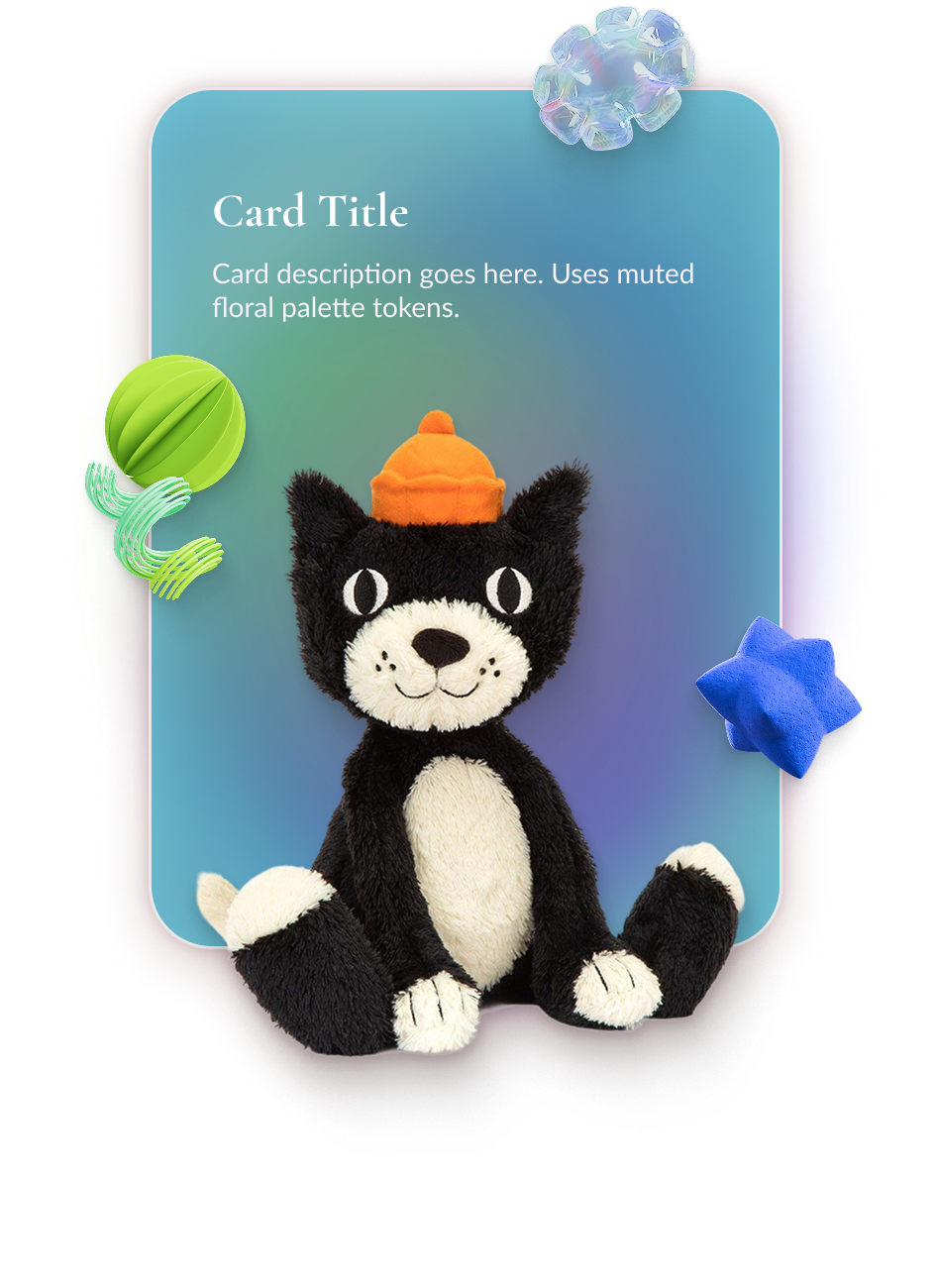
I discussed the interaction requirements with Claude and iteratively refined the logic until the experience aligned more closely with the intended user flow. I also redesigned the reveal page, replacing the original pillar platform concept with a more flexible layout that preserved a polished visual experience despite technical constraints from varying toy image sizes.
Challenge 03- Responsive Design Adaptation
The feature needed additional responsive design adjustments to ensure the experience worked smoothly across different screen sizes with a fixed 3D image as the main vision of the feature.
Solution 03- Design Mobile First for Responsive Adaptation
I used the mobile screen size as the default artboard for the feature, then extended the side backgrounds for desktop views. This allowed the design to stay responsive while preserving the fixed position of the 3D image.