
Webex B2B Mode Management
Apr 2025
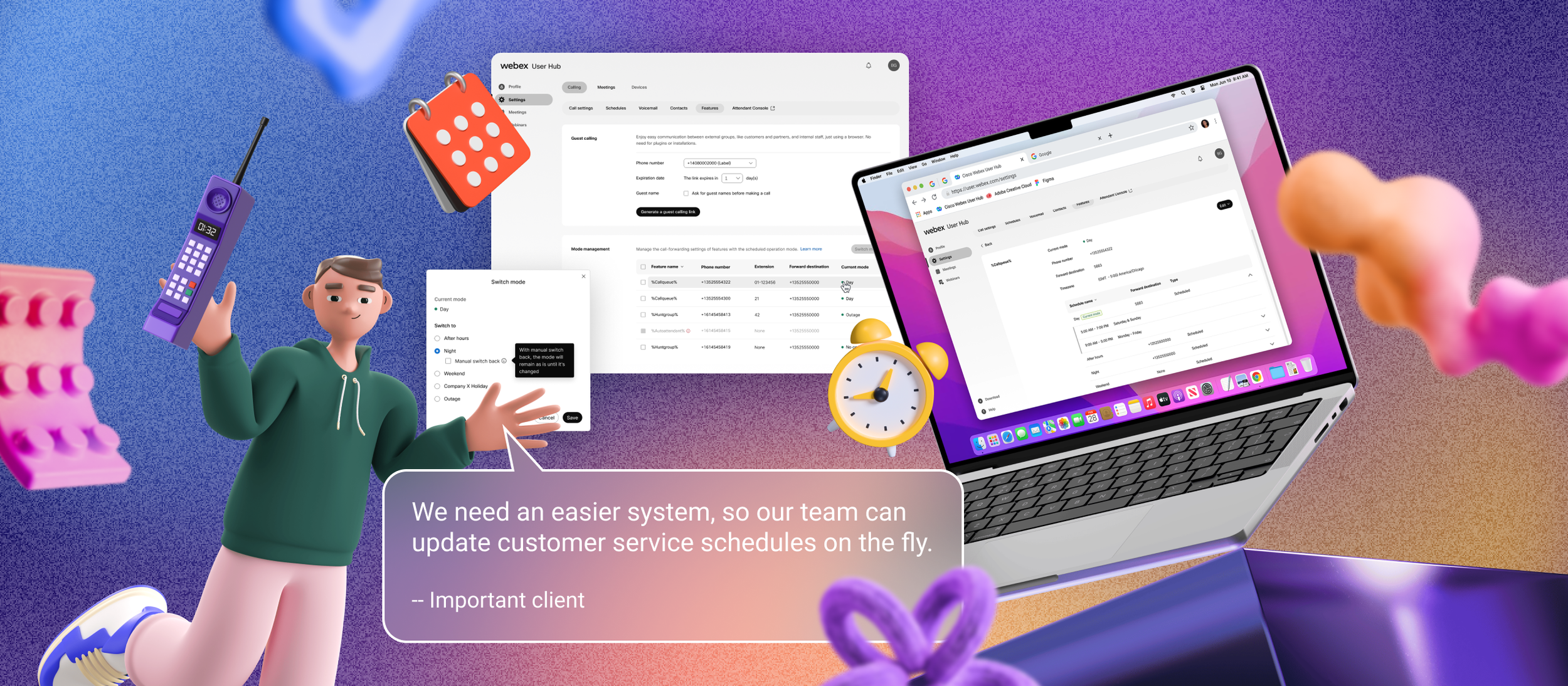
What is Mode Management
Mode Management is a quick tool that allows assignees (not administrators) to easily adjust call forwarding settings based on the schedule for call queues or hunt groups without relying on IT support.
Problems v.s. Solutions
❌ IT/Admin Access Requirements
❌ Competitive Gap: Calling Agent Settings
❌ Slow Process for Updating Call Forwarding Settings
✅ Integrate the feature to user portal
✅ Need a similar feature for competition
✅ Design a simple group-specific schedule management for call-forwarding
Design Process
01- Challenged by Misunderstood Complexity Under a Tight Timeline
The PM from the Calling team provided a PRD with an ad-hoc request to replicate an IT feature within the user portal, under a tight deadline, assuming it would be a simple copy-and-paste task.
02- Communication to Support New Alignment
After clarifying the actual expectations of our target users with the PM, I redesigned the existing IT admin portal feature to provide an intuitive, simplified interface for quickly updating call forwarding settings. I also redefined the project scope and timeline with relevant stakeholders and reprioritized my ongoing work, keeping the affected teammates informed throughout the process.
03- Necessary Review Process
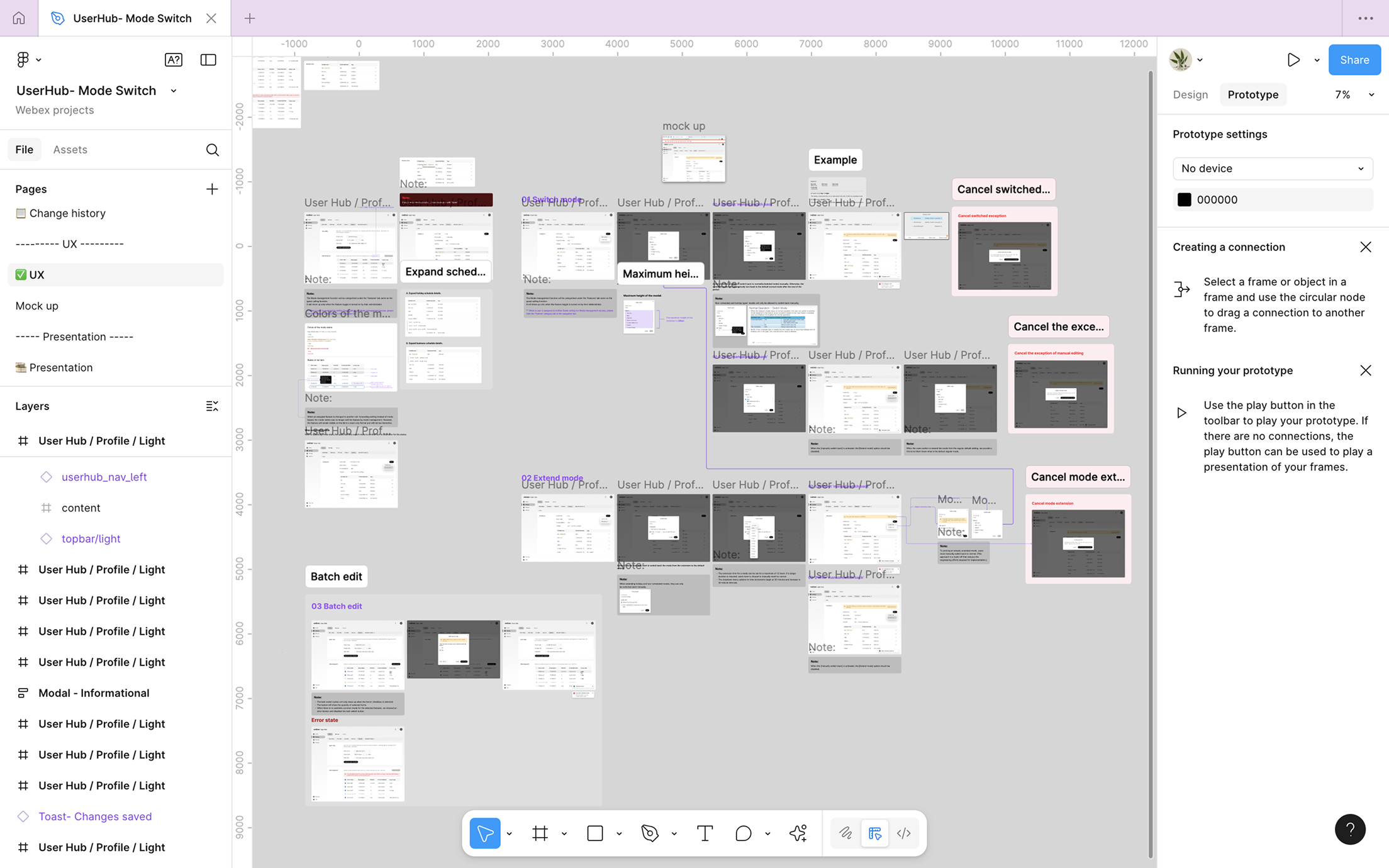
Of course, I went through several rounds of reviews with the engineering teams, PMs, and leaderships to ensure everyone was aligned on the final decision.
Highlight of my contribution
Within a week, I created a detailed design spec for this new request with clear UX guidelines covering all possible edge cases, validated by user needs and technical constraints.
Validations & Challenges
Validations:
Although there were no existing metrics and no time for usability testing, I moved forward, leveraging other available insights as design references.
To ensure the new feature aligned seamlessly with the parent settings UX in Control Hub, I tested the end-to-end user flows from a real client perspective. The process wasn’t entirely intuitive at first, as I wasn’t the primary designer for that domain.
Challenges:
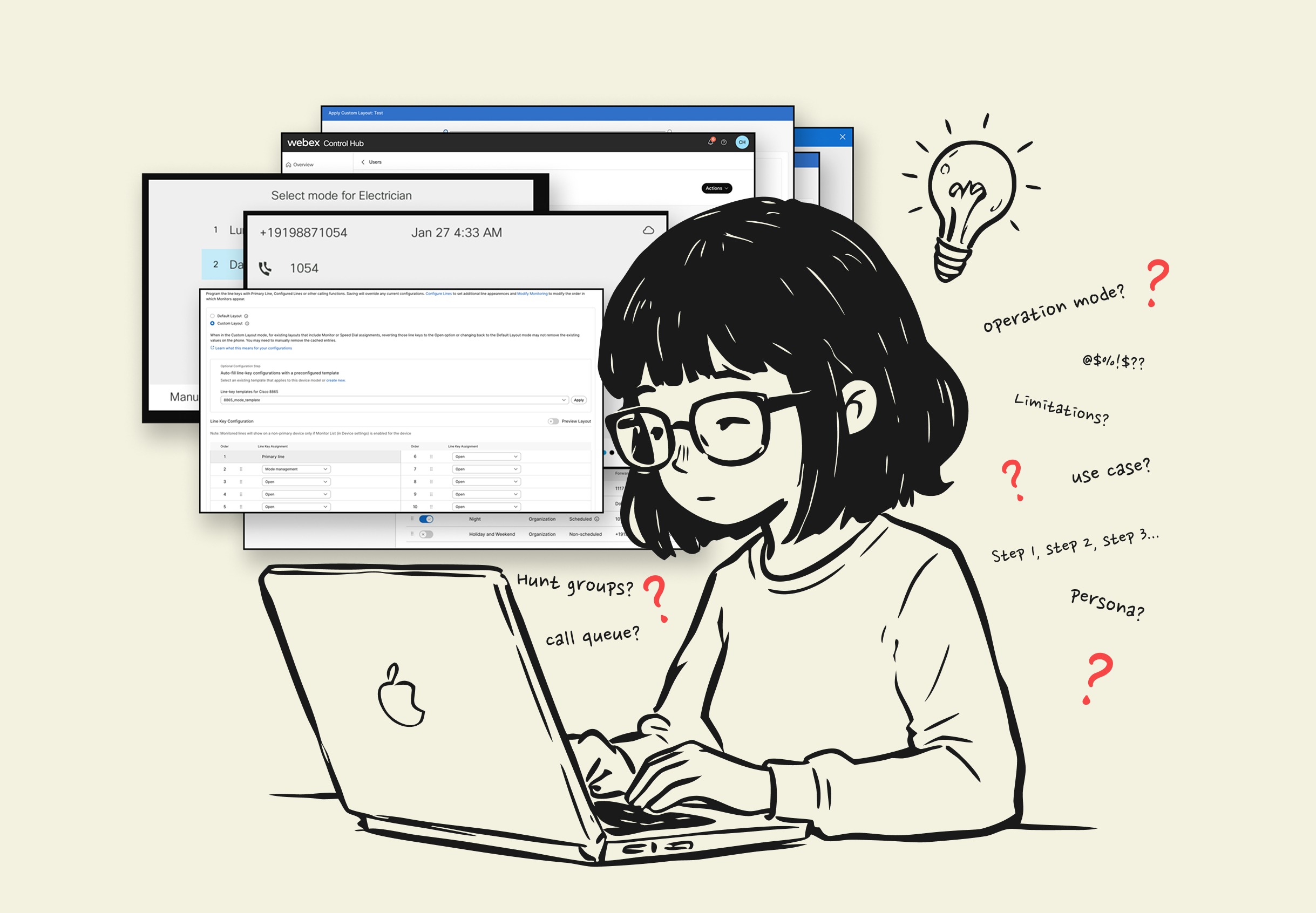
I maintained an open communication channel with the engineering team to fully understand the technical constraints of this domain.
While I could test the main user flows in a testing account, numerous edge cases and technical limitations still needed clarification during syncs with the engineering team. Following the initial design proposal, I collaborated through several review rounds with engineers to refine and finalize the solution.

Outcome
With this new feature, users can now log into their personal User Hub portal and update call-forwarding settings for specific queues in just five clicks.
There’s no need to request special permissions or access the admin Control Hub portal. The process eliminates the complex, IT-specific setup flows—making it quick and intuitive for users to adjust call forwarding when sudden schedule changes occur.